
The Ultimate Guide to vCard QR Code Generators: Free Tools for Professional Networking in 2025
Networking is changing—fast. Those paper business cards we used to stash in our desk drawers? They're quickly becoming relics. Whether you're navigating a tech summit in London or a client meeting in Singapore, the shift is toward something smarter and much more sustainable. This is where the vcard standard comes in. Think of it as a frictionless bridge between a handshake and a permanent spot in someone’s contact list. By using a vCard QR code generator free of charge, you're not just being tech-savvy; you're making it incredibly easy for people to remember you. This guide breaks down how to use these tools, clean up your social media presence, and use AI platforms like Qret.me to give your career a serious boost.
What is a vCard in the Digital Era?
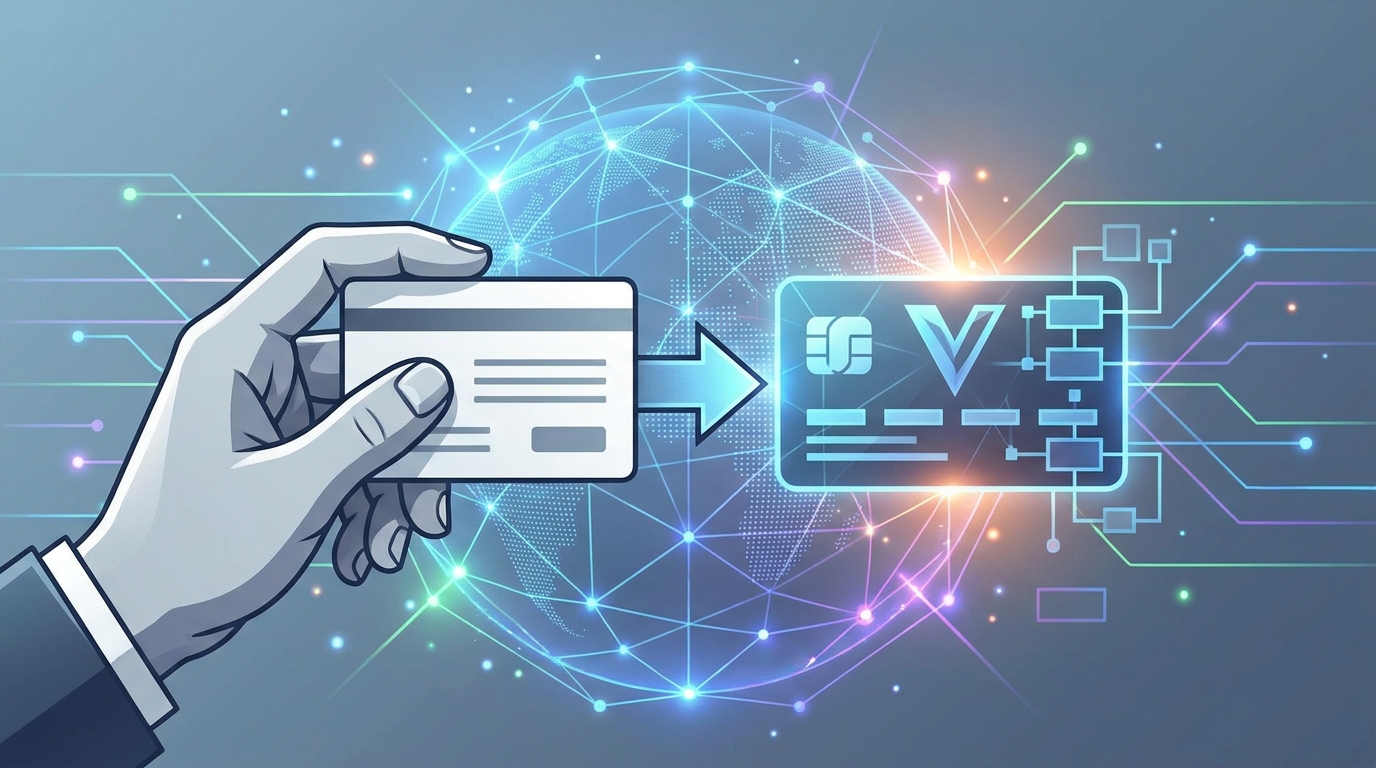
Strip away the tech jargon, and a vcard is essentially a Virtual Contact File (.vcf). It’s been around since the 90s, but it’s grown up. It’s no longer just a digital sticky note; it’s a high-powered data packet that holds everything: your name, office address, social links, and even multiple phone numbers. As we hit 2025, the vcard has turned into the backbone of modern networking, plugging directly into contact management software and CRM systems without breaking a sweat.
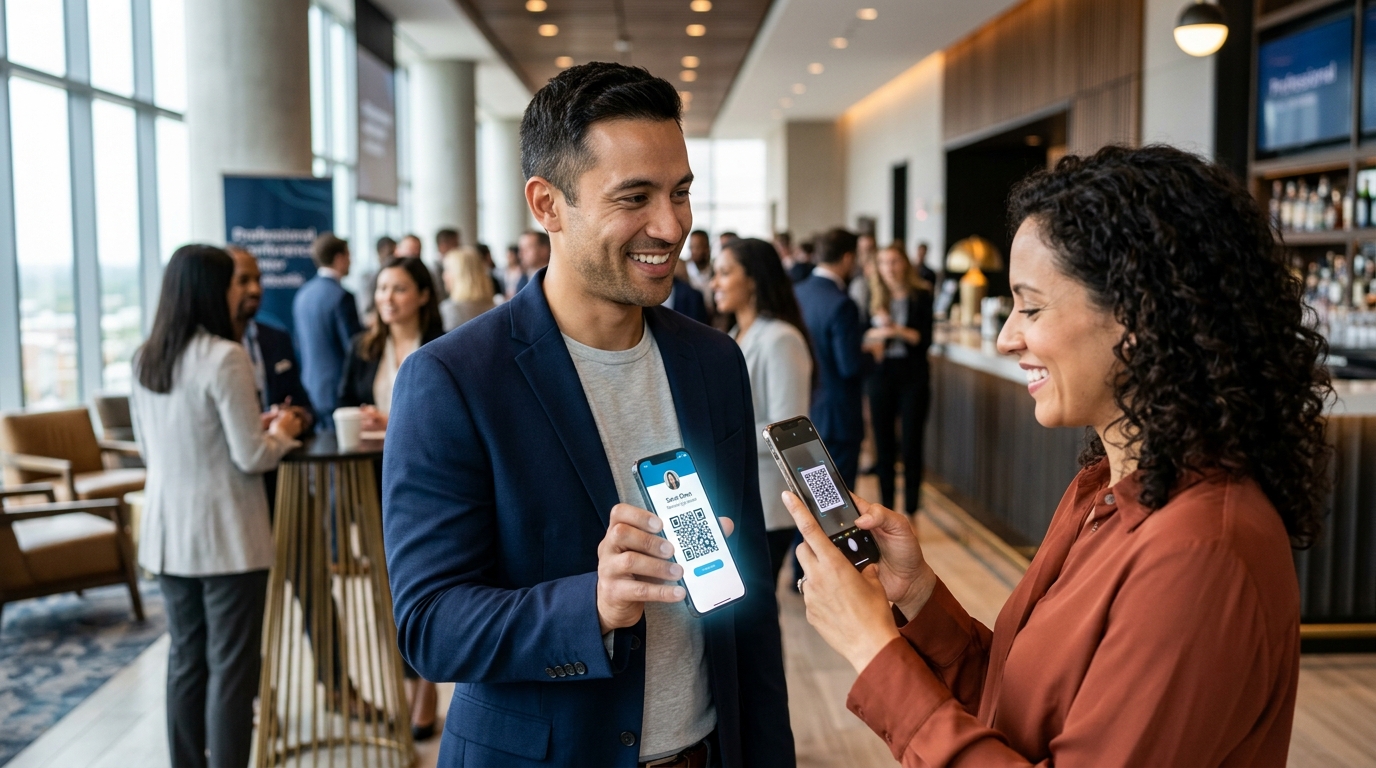
The best part? It works everywhere. It doesn't matter if your new contact is an iPhone devotee, an Android power user, or an Outlook veteran—the info just works. When someone scans your code, their phone does the heavy lifting, prompting them to "Create New Contact" instantly. No more manual entry, and more importantly, no more lost leads. By picking a solid generator, you’re ensuring your data follows current standards like vCard 4.0, which handles modern web links and media much better than the old versions did.
The Strategic Benefits of Digital Contact Sharing
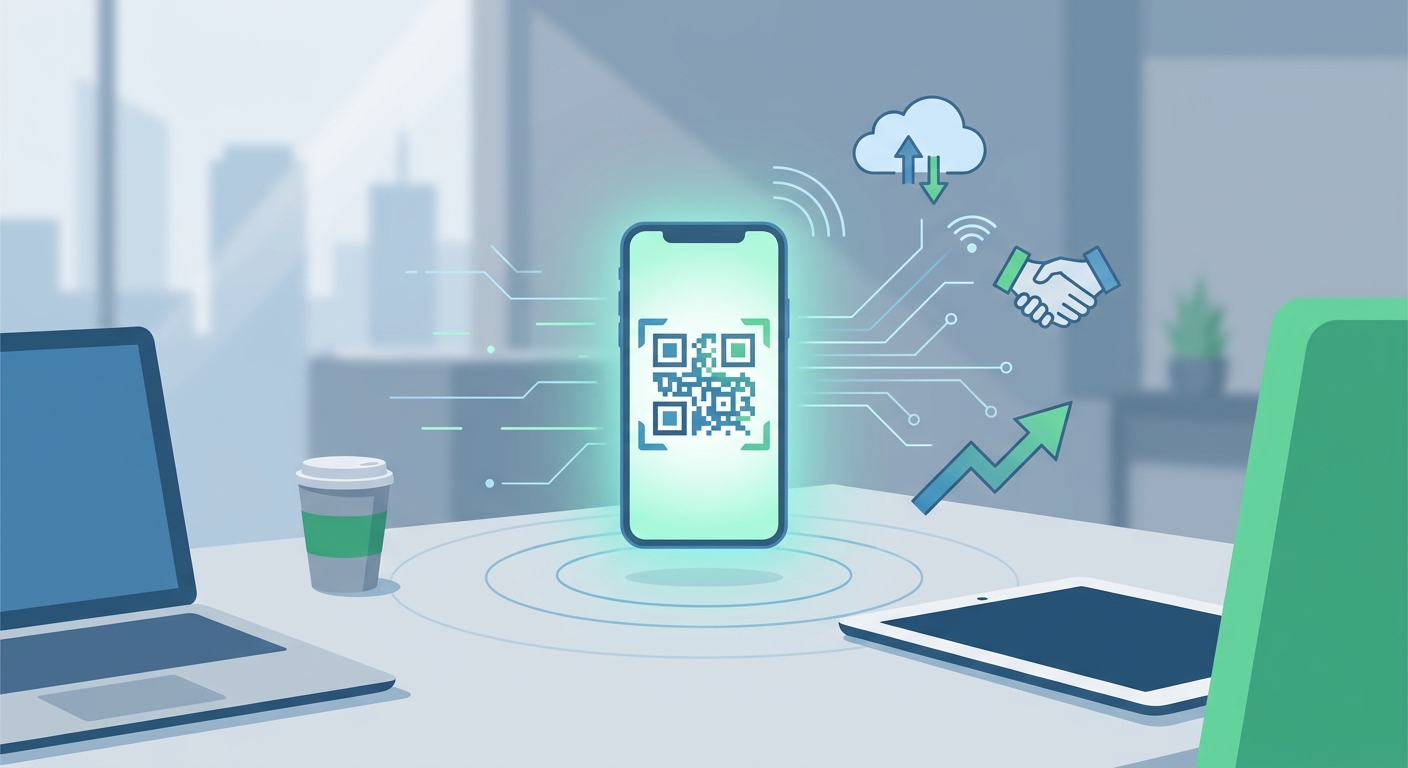
Why ditch the paper? Let's start with the obvious: sustainability. We print millions of paper cards every year, and—let’s be honest—nearly 90% of them end up in the bin within a week. Going with a free digital option isn't just about saving trees; it’s about looking like someone who actually lives in the present. It’s a great look for brands focused on ESG goals, too. Presentation matters, after all.
But it’s also about being practical. Ever get a promotion or change your cell number right after ordering 500 cards? With paper, that’s money down the drain. With a digital vcard, you just update your info and you're done. Plus, let's face it, touchless is still the way to go in many professional circles. A quick scan of a code is just smoother and faster than fumbling with physical items. If you’re juggling different roles or side hustles, you can even create different versions for different crowds. Feel free to peek at our pricing and plans to see which setup fits your specific scale.
Link in bio for Instagram: Maximum Optimization
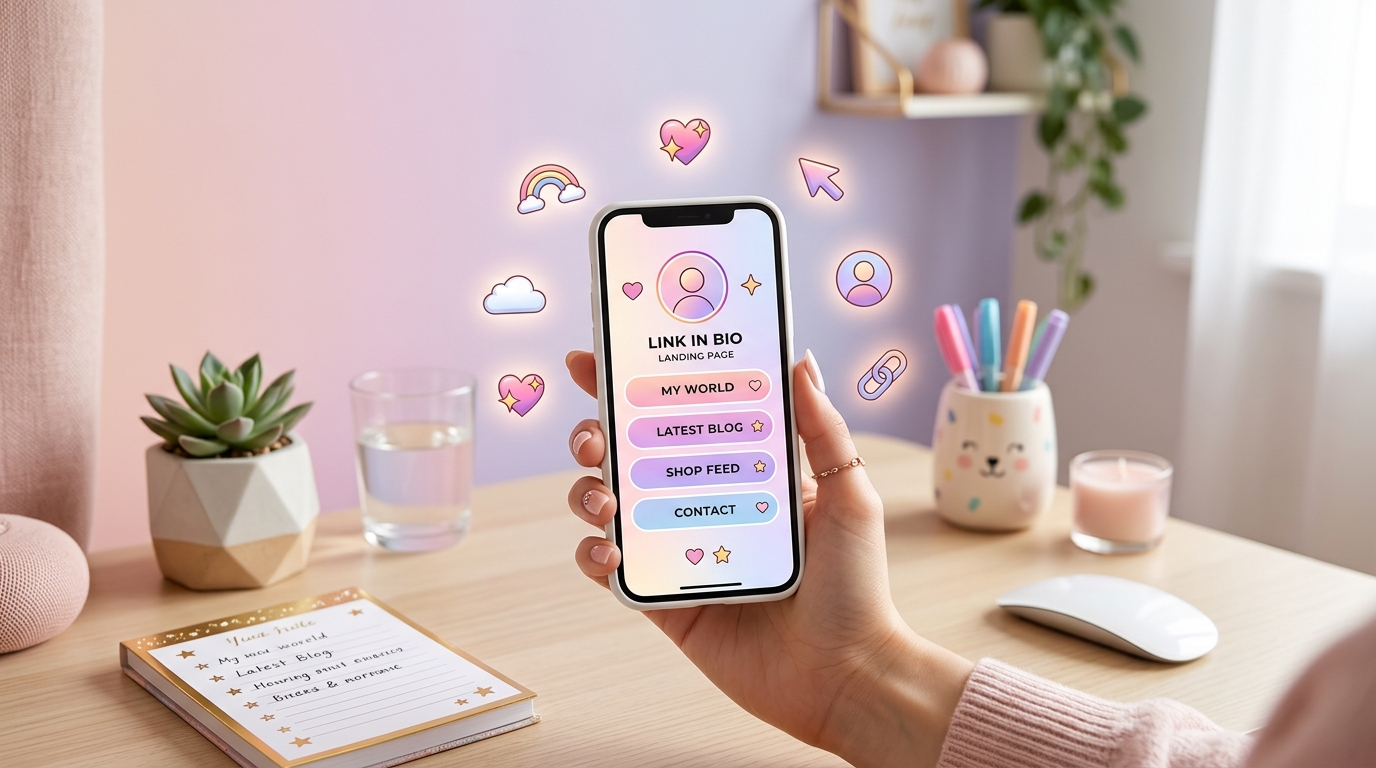
If you’re an entrepreneur, marketer, or creator, Instagram is probably your front door. But that "one link only" rule in the bio? It’s a bottleneck. That’s why a smart Link in bio for Instagram is a total game-changer. Don't waste that space on a single website link; use it to host a landing page that actually connects people to your professional identity.
By tucking a downloadable contact file into that page, you’re turning passive followers into real-world contacts. Imagine a potential client lands on your profile, hits the link, and saves your number in two taps. Suddenly, you're in their phone, regardless of what the Instagram algorithm does tomorrow. Platforms like Qret.me specialize in these Bio Link Pages, letting you bundle your portfolio, your latest video, and your contact info into one slick package. It turns your Link in bio for Instagram into a real conversion tool, not just a list of links.
Static vs. Dynamic QR Codes: Which Should You Choose?
When you start hunting for a vCard QR code generator free tool, you’ll run into two types of technology: static and dynamic. It sounds like technical hair-splitting, but it actually matters for your career.
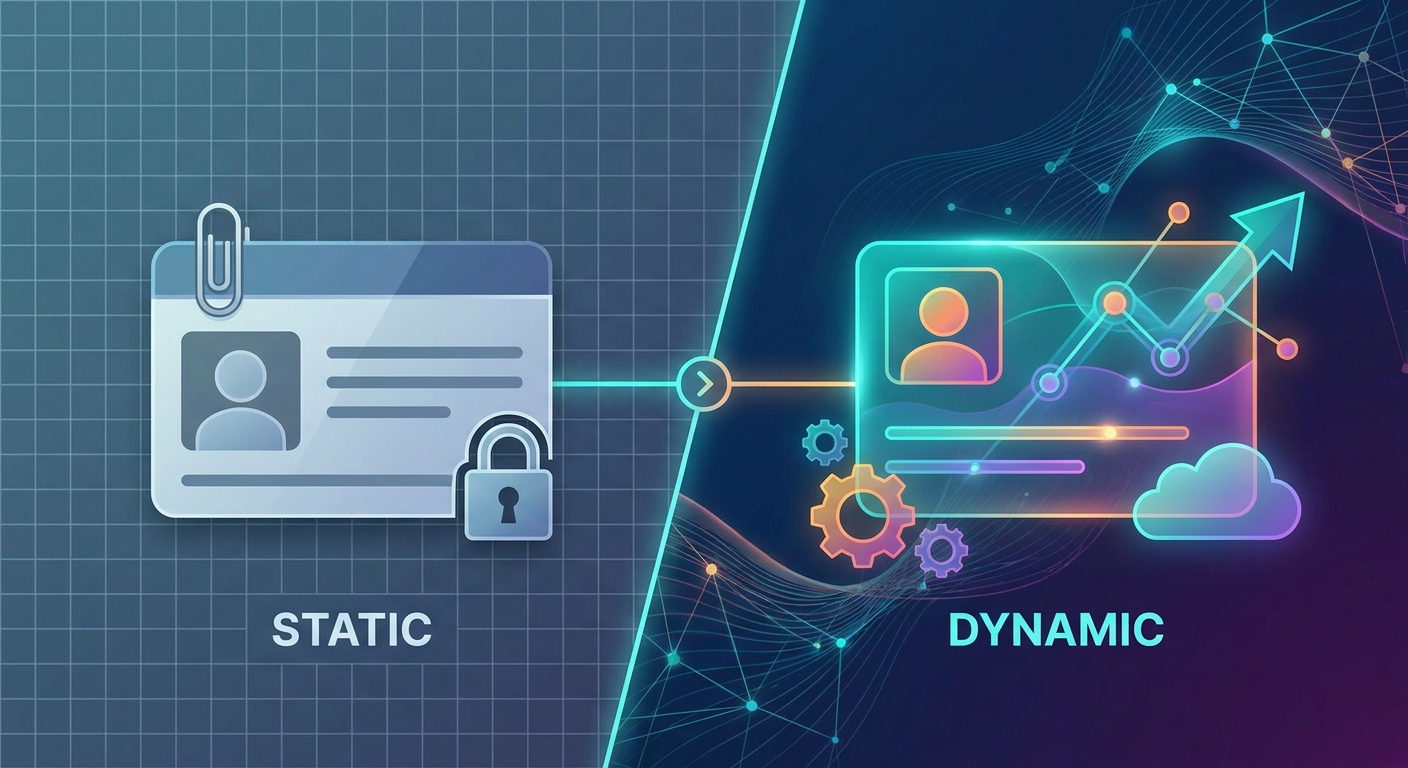
- Static Codes: These bake your info right into the QR pattern. The more info you add, the more complex the 'dots' look. The big downside? If you change your email or phone number, the code is dead. They’re fine for a one-off event, but they're a bit of a headache for long-term use.
- Dynamic Codes: These are the pro choice. These codes point to a short URL that redirects to your digital profile. This means the code itself stays the same even if you change your job title or update your Link in bio for Instagram. They’re easier for phones to read, and they let you track how many people are actually scanning your details.
For most of us, knowing who is scanning our vcard (and when) is a huge advantage. You can dive deeper into how to manage these on our Dynamic QR Codes page.
How to Generate Your Free vCard QR Code
Setting up your digital identity is pretty simple, but a little polish goes a long way. Here’s how to do it right:
1. Pick a Platform That Isn't Sketchy
Avoid generic generators that might sell your data or fill your phone with ads. A dedicated digital identity platform like Qret.me is built with professional privacy and branding as the priority.
2. Get Your Details Right
Double-check your name, company, and that phone number—don't forget the international code (like +1). If you have a specific Link in bio for Instagram, use that URL to keep your brand consistent across the web.
3. Give It Some Style
A plain black-and-white code looks like a utility bill. To get more scans, add your brand colors and pop your company logo in the center. It builds trust instantly and makes the code look like it belongs to a real professional.
4. Test, Then Deploy
Before you print that code on a flyer or stick it in your email signature, test it. Grab an iPhone and an Android, scan it, and make sure the "Save Contact" prompt actually works. There's nothing more awkward than a dead link at a networking event.
Industry-Specific Use Cases for Digital Cards
Digital cards aren't just for the Silicon Valley crowd. They're popping up everywhere:
- Real Estate: Agents are putting a vcard on "For Sale" signs. Buyers can save their info and see a property gallery via the included web links in seconds.
- Healthcare: Doctors and therapists are providing contact details via a quick scan, ensuring patients have the right emergency info saved correctly.
- Freelancers: Photographers use their Link in bio for Instagram to show off work while providing a direct "Save Contact" button for new clients.
- Conferences: Organizers are printing individual codes on name badges, making thousands of connections possible without wasting a single scrap of paper.
Global Trends in Digital Identity and Networking
The world is moving at different speeds, but we’re all heading the same way. In Turkey, Istanbul's startup scene is leaning hard into QR tech for everything from menus to VC pitches. Over in Europe, where GDPR is a big deal, professionals prefer dynamic vcard systems that keep data secure. Meanwhile, in Asia, where scanning is already the norm for social apps, the jump to professional digital cards has been almost instant. By 2025, if you don't have a digital contact card, you’re increasingly the outlier in any global room.
Transforming Your Profile into an AI Digital Twin
A basic vCard QR code generator free service gets you in the door, but the real magic happens when you automate things. That’s why Qret.me—founded by tech visionary Siamak Alamdari—is moving toward the "Digital Twin" concept. It’s basically a version of your professional self that stays online 24/7.
- AI Personal Assistant: Your profile can host a chatbot to answer basic questions about your services or background while you're busy.
- Automated Scheduling: Link your Online Booking system so contacts can scan your card and book a meeting in one go.
- Growth Engine: Use the Growth Engine to see where your leads are coming from and which marketing efforts are actually working.
Privacy and Security in Digital Contact Sharing
In a world where digital privacy is constantly under threat, security isn't optional. Think about it: once you give someone a physical card, you lose control over it. It could end up in a trash can or a marketing database. With a digital vcard on a pro platform, you’re the boss. If you feel like your info is being misused, you can just change the landing page or shut the link down. Make sure you pick a provider that actually respects your data—take a quick look at their about us page to see where they stand.
Frequently Asked Questions
Is a vCard QR code really free?
Usually, yes. Many vcard generators offer static codes for free. But if you want to track analytics or update your info later without changing the code, a dynamic subscription is the way to go for serious networking.
How do I add my digital card to my Link in bio for Instagram?
Easy. Set up a landing page on a platform like Qret.me, add a big "Save My Info" button linked to your .vcf file, and then put that landing page URL in your Instagram bio.
Do users need an app to scan my code?
Nope. In 2025, pretty much every smartphone scans QRs right from the built-in camera app. They just point, click, and the vcard info pops up as a notification.
Can I track how many people scan my card?
Only if you use a dynamic generator. Pro tools let you see scan counts, general locations, and even what kind of phone they were using.
What information can I include?
Pretty much everything: your name, photo, company, phone numbers, emails, LinkedIn handle, and even your GPS office location for navigation.
Conclusion
Networking in 2025 is about making a lasting impression without the friction. Using a vCard QR code generator free tool is a great first step, but when you combine it with a smart Link in bio for Instagram and the AI tools at Qret.me, you're playing a different game. Ready to upgrade your professional identity? Build your Digital Twin on Qret.me today and stop carrying around those paper cards for good.